
In today’s fast-moving digital world, having simple and powerful tools is very important. Whether you are a content creator, student, blogger, or business owner, you need tools that help you share links, build your online presence, and connect with your audience.
That’s where Careeroye comes in.
👉 Visit: Careeroye
Careeroye is an all-in-one platform where you can:
- Create short links
- Build your own bio page
- Generate QR codes
- Manage everything from one simple dashboard
And the best part? It’s completely free.
🌟 Why Choose Careeroye?
✅ All-in-One Platform
Instead of using different websites, Careeroye gives you everything in one place:
- URL Shortener
- Bio Page Builder
- QR Code Generator
This saves your time and keeps your work organized.
⚡ Easy to Use
No technical skills needed.
Just:
- Sign up
- Enter your link or data
- Click generate
Done. Everything is ready in seconds.
💯 100% Free Tools
Careeroye provides powerful tools without charging money.
- No hidden fees
- No premium traps
- Free for everyone
🔒 Secure & Reliable
Your data is protected with secure systems.
We ensure safe usage and protect your content.
📊 Simple Dashboard
You can manage everything from one place:
- Your short links
- Your bio page
- Your QR codes
🔗 How to Create Free Short Links
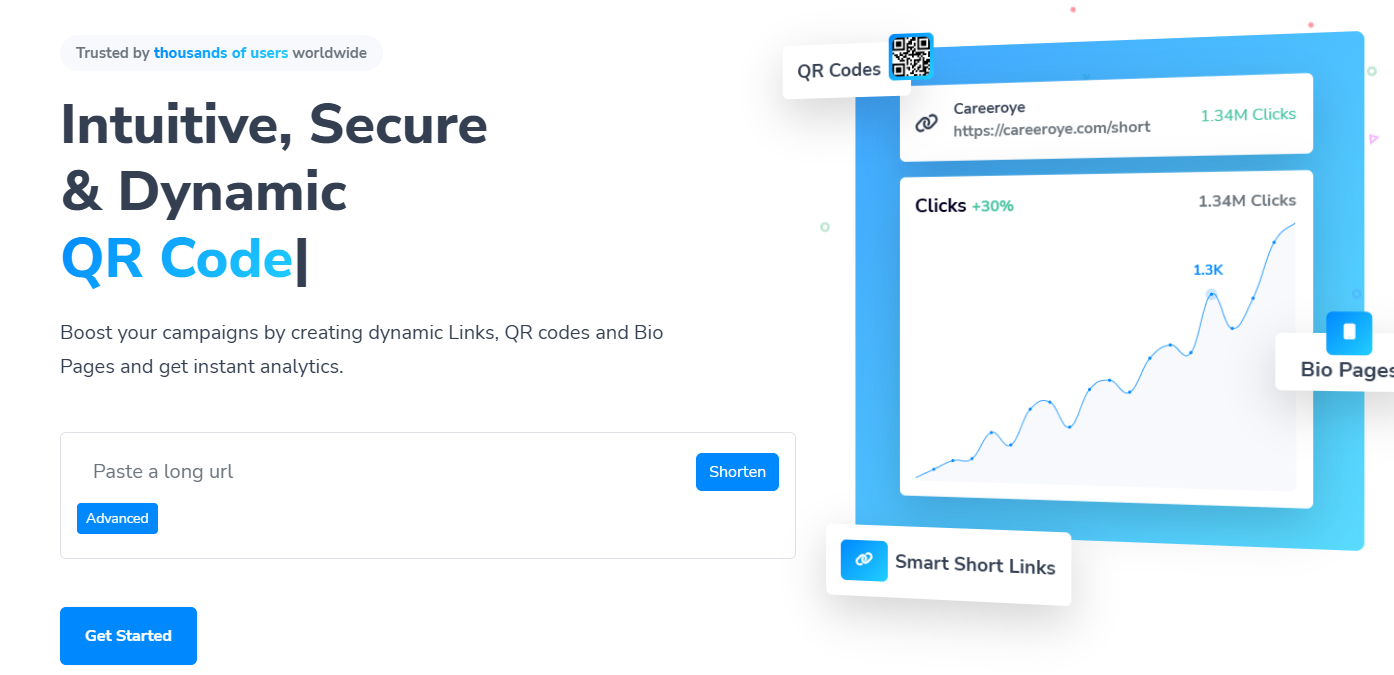
Short links are clean and easy to share.
Steps:
- Copy your long URL
- Paste it on Careeroye
- Click “Shorten”
- Get your short link instantly
👉 Share it anywhere like WhatsApp, Instagram, YouTube, etc.
A bio page helps you share multiple links in one place.
You can:
- Add multiple links
- Add social media profiles
- Customize your page
Steps:
- Sign up on Careeroye
- Open bio page section
- Add your links
- Publish
👉 Now you have your own professional link-in-bio page.
QR codes make sharing super fast.
You can create QR codes for:
- URLs
- Websites
- Contact details
- Social media
Steps:
- Enter your data
- Click generate
- Download QR code
🎯 Who Should Use Careeroye?
- Content creators
- Bloggers
- YouTubers
- Instagram influencers
- Digital marketers
- Small businesses
- Students
👉 Anyone who wants to grow online easily.
❓ Frequently Asked Questions (FAQ)
1. Is Careeroye really free to use?
Yes, Careeroye is completely free. You can create short links, bio pages, and QR codes without any cost.
2. Do I need to create an account?
Yes, signup is required to manage your links, bio pages, and QR codes easily from your dashboard.
3. Can I use Careeroye on mobile?
Yes, Careeroye is fully responsive and works perfectly on mobile, tablet, and desktop.
4. Is my data safe on Careeroye?
Yes, we use secure systems to protect your data and ensure safe usage of all tools.
5. Can I edit my links or bio page later?
Yes, you can edit and manage everything anytime from your dashboard.
6. Where can I use QR codes created on Careeroye?
You can use them anywhere:
- Posters
- Business cards
- Social media
- Websites
7. Is there any limit on usage?
Basic features are free, and you can use them without restrictions for normal usage.
🏁 Final Words
If you want a simple, fast, and professional platform to manage your digital tools, Careeroye is the perfect choice.
👉 Everything in one place
👉 Easy to use
👉 100% free
Start using Careeroye today and make your online work easier 🚀